

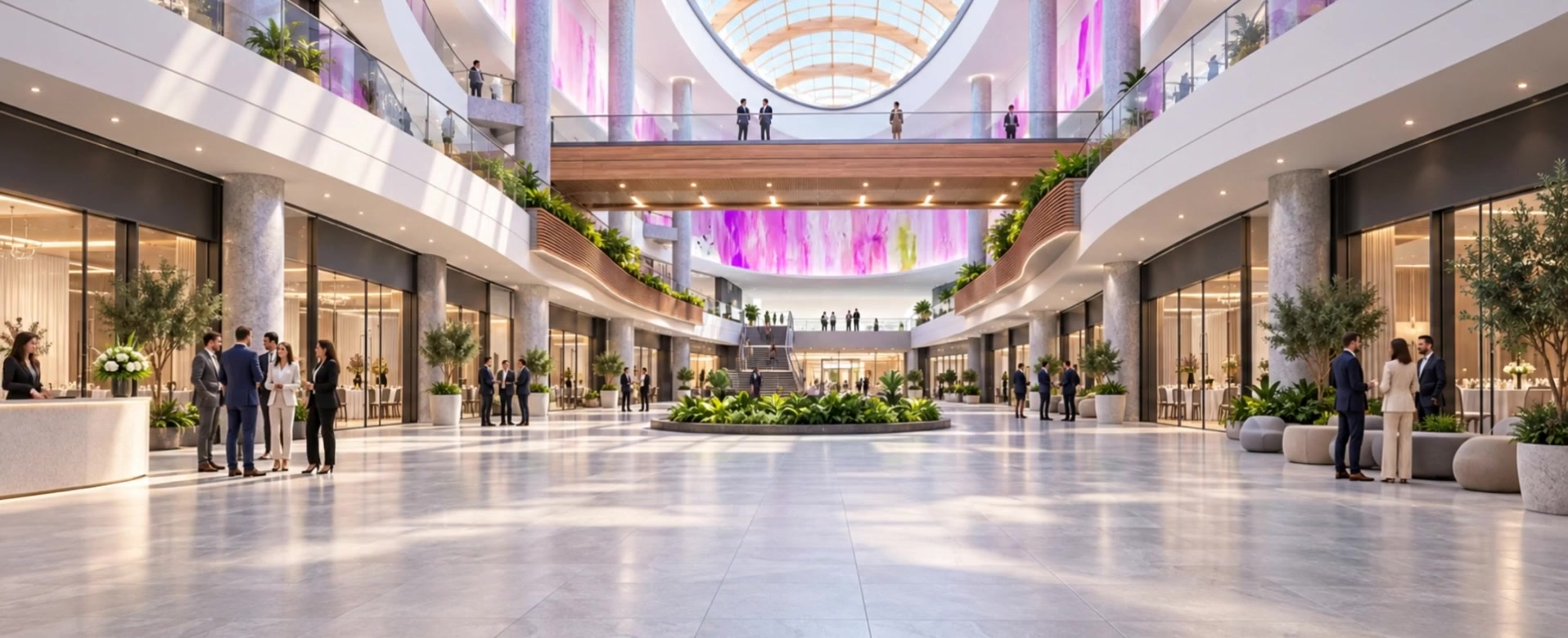
The journey through a virtual fair starts before the first booth visit. VuFairs connects an entrance, a lobby and an exhibition hall so organizers can present the event as a coherent place rather than a collection of disconnected pages.
Choose the atmosphere
Available venue environments let organizers select a setting for each stage of the experience. Match the spaces to the event identity and review how they work together. The entrance establishes the first impression, the lobby provides orientation and the hall brings exhibitors into view.
Movement without distraction
Selected animated environments add subtle motion to the scene. Where ambient audio is included, visitors can mute it without stopping the background video. Animation should support the setting, while navigation and exhibitor information remain easy to find.
Preview before presenting
Check the venue on the screens your audience is likely to use. Pay attention to image framing, visible entry points and the placement of partner flags. Keep important actions clear even when the available screen space changes.
Venue previews and adapted architectural scenes are illustrative designs. They do not imply affiliation with the owners of any real-world location shown.