
Event builder
Create event pages, navigation, pricing blocks, agenda sections, sponsor areas, and publish-ready content.

Create a branded virtual venue where people discover companies, meet speakers and start conversations. One workspace for your event. A dedicated portal for every exhibitor.
Career fairs · Trade shows · Conferences · WebinarsChoose the journey your audience needs, then shape the venue, content and registration around it.
Bring employers and candidates together through company booths, vacancies, applications and conversations.
Give products, exhibitors and sponsors their own space to be discovered and contacted.
Help prospective students explore institutions, discover programs and ask the right questions.
Connect your agenda, speakers, auditorium and sponsors in one branded event experience.
Build a focused session experience with registration and a configured live-video provider.
Bring a community or team together around shared content, sessions and conversations.
Keep the event consistent without managing every company’s content yourself. Organizers control the setup; exhibitors own their presence and follow-up.
Choose the venue, assign exhibitors and define packages and capacity.
Companies add branding, a representative, resources and relevant listings from their own portal.
Visitors explore booths and message the team. Configured AI assistance can hand the conversation to an operator.
Review inquiries, applications and event reports to plan the next step.
Start with the modules that matter now, then expand into deeper venue, billing, and reporting workflows as the event grows.
Create event pages, navigation, pricing blocks, agenda sections, sponsor areas, and publish-ready content.
Handle attendee, exhibitor, and speaker registration with forms, tickets, coupons, access codes, and payment status.
Open a lobby, auditorium, sessions, exhibit hall, booth pages, Q&A, resources, and engagement areas.
Manage booth profiles, media, resources, theme-owned sponsor placements, lead capture, inquiries, and event-specific orders.
Review leads, session engagement, attendee activity, notification delivery, and export-ready reports.
Support packages, orders, payment methods, subscriptions, settlements, payouts, and gateway setup.
The organizer workspace keeps setup, content, audience access, venue readiness, and reporting visible without forcing the team into scattered spreadsheets.
Choose the format, modules, participant roles, access rules, payment needs, and launch timeline.
Add event pages, agenda, sponsors, exhibitors, booth content, registration details, and brand settings.
Prepare lobby areas, sessions, exhibit spaces, resources, Q&A, and participant portals before launch day.
Use activity reports, leads, exports, and payment records to understand what happened and what to do next.
Practical ideas, product updates, and event-industry perspectives from the VuFairs team.
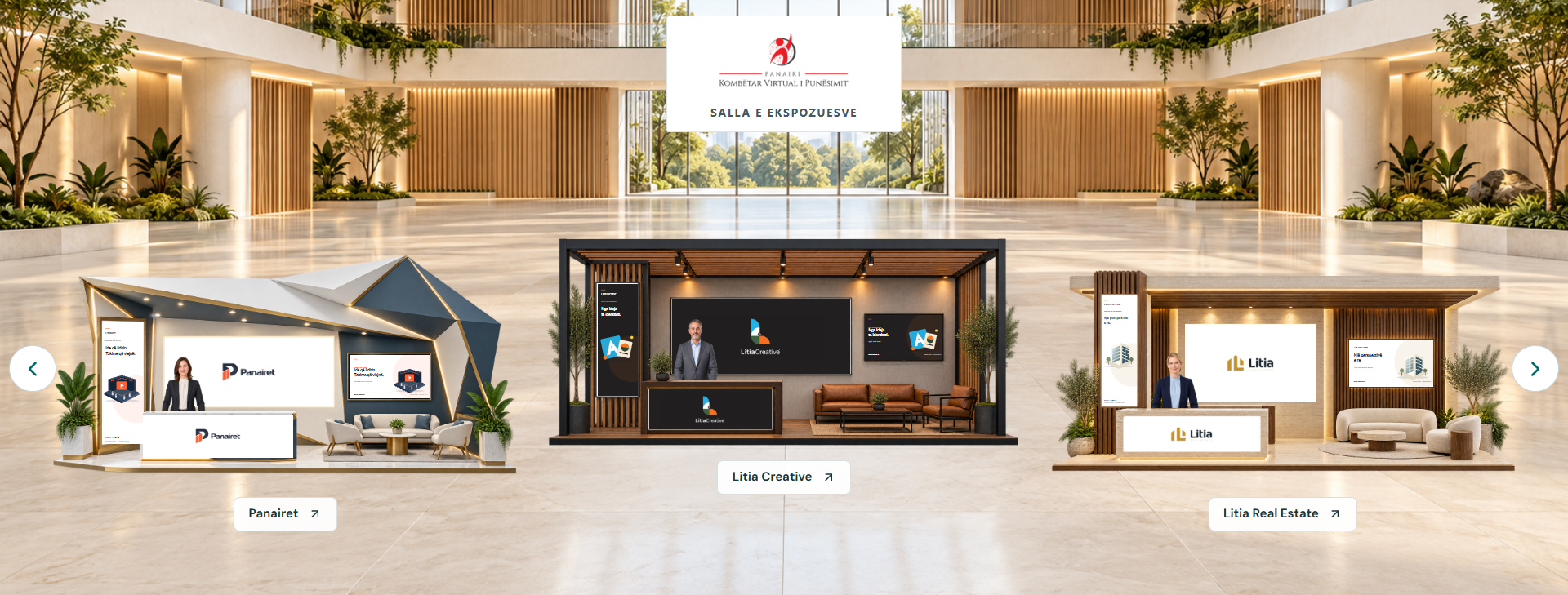
Discover the entrance, lobby and company booths in a private demonstration led by the VuFairs team.
Read more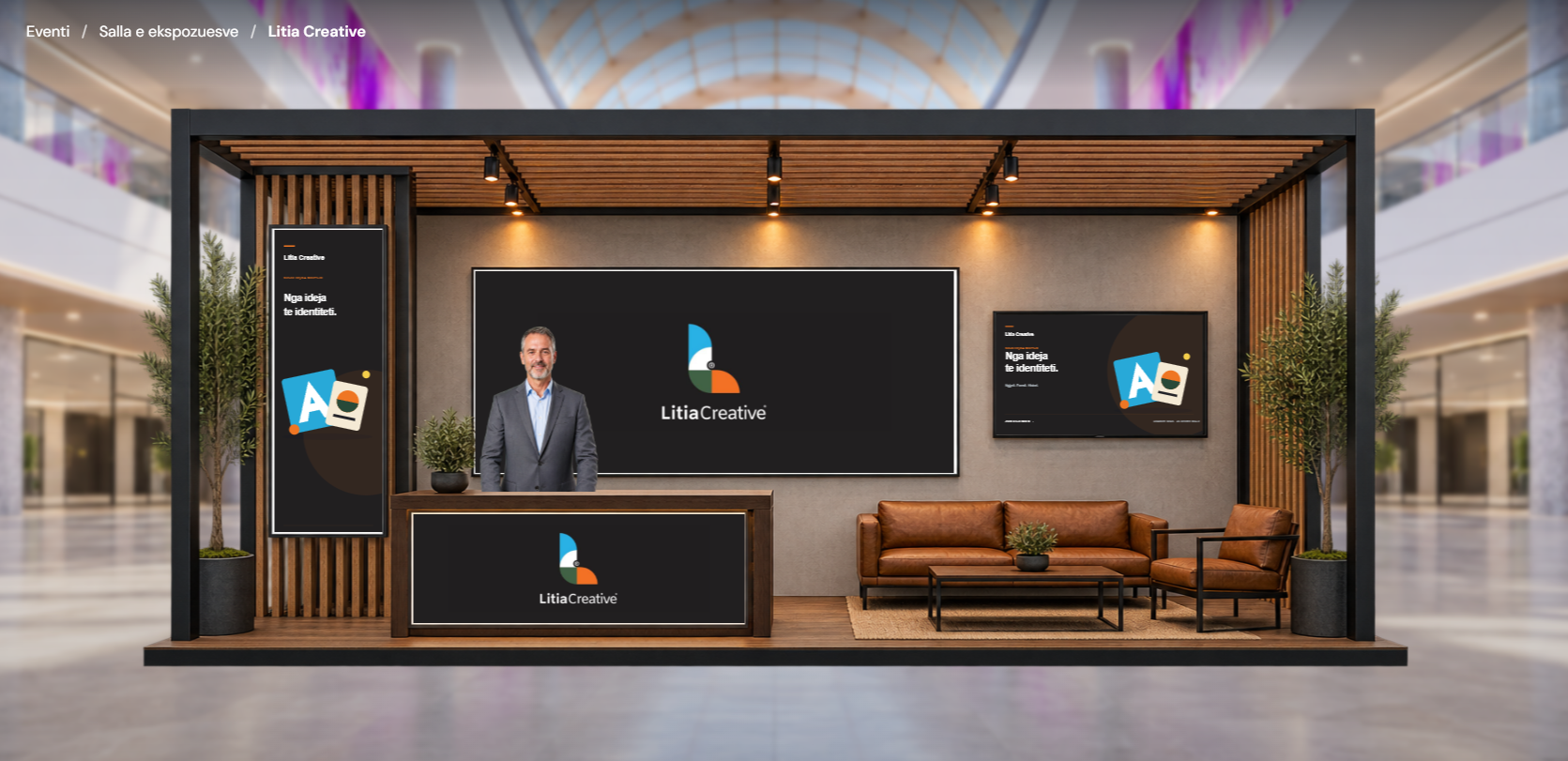
Bring company profiles, logos, banners and useful resources together in a branded VuFairs stand.
Read more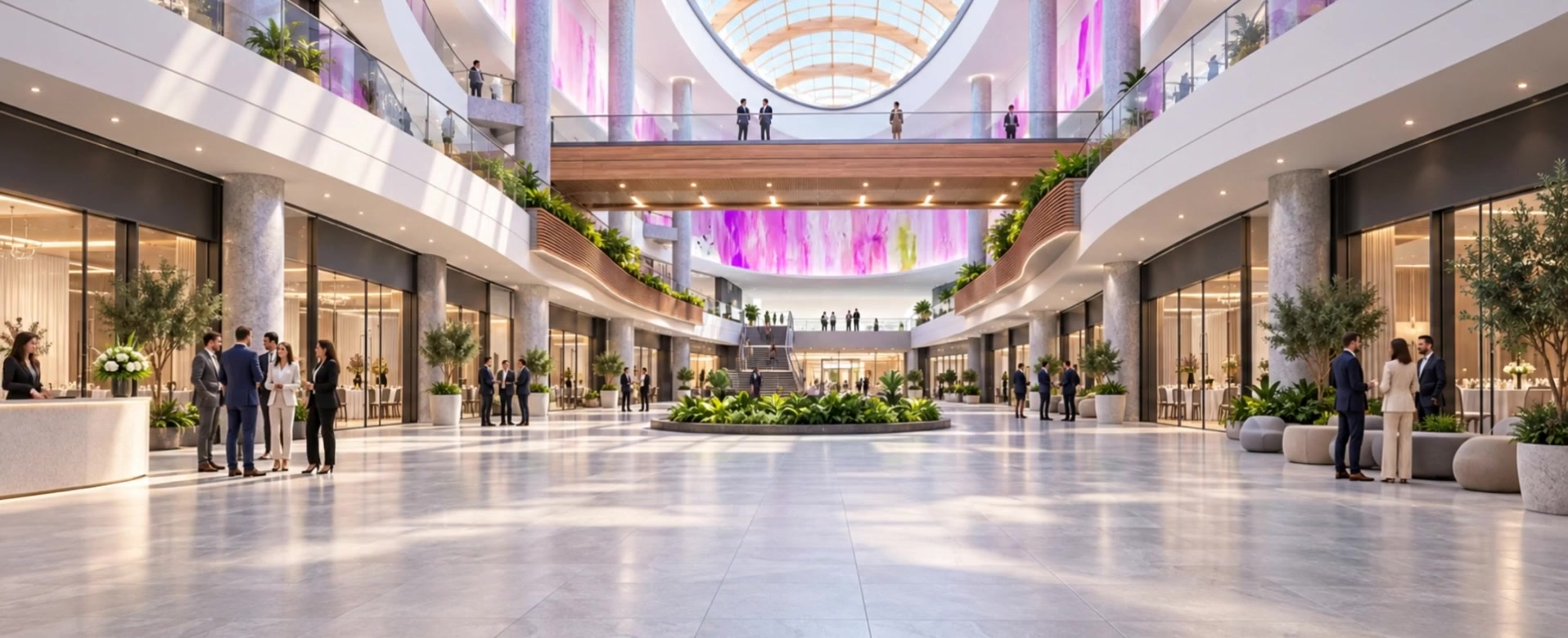
Connect the entrance, lobby and exhibition hall with a visual style that suits your event.
Read moreStart with the organizer workspace, then grow into event pages, participant portals, virtual venue rooms, billing, and reports.
Book a demo